To get more pest control reviews, ask every customer after a completed visit, the same way each time, and give them a direct link or QR code to your Google review form. Never offer a discount or anything else for a review, never ask only the customers you expect to be happy, and never set your technicians a review quota: Google's own policy forbids all three, and the FTC's review rule bans fake reviews and paying for reviews of a particular sentiment. The rest is timing, wording and making it one tap.
Our posts on getting pest control customers and pest control marketing explain why reviews matter. This one is the system: rules, timing, wording and bad reviews.
What are the rules on asking for reviews?
Two sets of rules apply to a pest company in the U.S.: Google's policy for content on Maps, which decides whether a review stays up, and the FTC's Rule on the Use of Consumer Reviews and Testimonials (16 CFR Part 465), which is federal law. They overlap but are not the same. Google is stricter about incentives.
| Practice | Google Maps policy | FTC rule (16 CFR Part 465) |
|---|---|---|
| Asking every customer for an honest review | Allowed | Allowed |
| A discount, free service or gift card for leaving any review | Not allowed; such reviews are removed | §465.4 bans incentives tied to a positive or negative review |
| Asking only customers you expect to be happy | Not allowed ("selectively solicit positive reviews") | Not addressed in the same words |
| Setting staff a number of reviews to collect | Not allowed | Not addressed in the same words |
| Asking customers to mention a technician by name or include specific content | Not allowed | Not addressed in the same words |
| Pressuring a customer to write a review on the spot | Not allowed ("require or pressure users... while on the premises") | Not addressed in the same words |
| You, a manager or an employee reviewing your own business | Not allowed (conflict of interest) | §465.5 restricts insider reviews without a clear disclosure |
| Writing or buying fake reviews | Not allowed | §465.2 bans them |
| Threatening a reviewer to get a review removed | Removal in exchange for an incentive is not allowed | §465.7 bans groundless legal threats and intimidation |
Two of those rows catch pest companies more than any other trade.
Technician review targets. A bonus per five-star review, or "each tech brings in four reviews a month," is common in home services. Google's policy names it directly: merchants requesting that staff solicit a certain number of reviews, or reviews that identify a staff member. If you want to reward technicians for good service, tie it to something you control, like callbacks or retention. Pest control technician pay has options.
Asking only the happy ones. The common advice is to pick the accounts where the job went well. Under Google's policy that is review gating, and it is what a "rate us first, then we'll send the happy ones to Google" survey does too. Ask everyone, consistently, and let the reviews be what they are. Google's own help page says a mix of positive and negative feedback often feels more trustworthy.
This is a plain-English summary, not legal advice. Read the sources at the end, and check with a lawyer if you are designing a reward program of any kind.
When should a pest control company ask for a review?
The best time is when the customer can judge the result, not just the visit. In pest control that is not always the moment the technician leaves, because many treatments take time to work.
| Job type | When to ask | Why |
|---|---|---|
| New recurring general pest customer | After the second visit, or when they say the problem is gone | The first visit can stir activity before it settles |
| Existing recurring customer | Once a year, after a routine visit | They have a year of results to judge |
| One-time job (wasp nest, single treatment) | At completion | The result is visible right away |
| Rodent work with exclusion | After the follow-up confirms no new activity | Judging on day one invites a later revision |
| Termite treatment | After the work and paperwork are done | The customer has seen the whole process |
| A callback | After the callback has fixed the problem | Fix first, ask second |
Whatever schedule you pick, apply it to every customer of that type. "We ask every new plan customer after their second visit" is a rule. "We ask when it feels right" turns into selective asking without anyone meaning it to.
How do you ask? Words that work and stay within the rules
Keep the ask short, neutral and easy to ignore. You want an honest review, not a favor.
In person, at the end of a visit:
"If you have a minute later this week, we'd appreciate an honest review on Google. Here's a card with the link. No pressure either way."
Then hand over a card and move on. Do not stand there while they write it, and do not suggest what to say. Google's policy is explicit that you should not require or pressure a review while on the premises.
By email, after the visit:
Subject: How did today's visit go?
Hi [first name],
Thanks for having us out today. If you have a minute, we'd appreciate an honest review of our service on Google: [review link]
If anything isn't right, reply to this email or call [phone] and we'll come back and look.
[Your name], [Business name]
The second line matters. It gives an unhappy customer a direct route to you, and it is offered to everyone, so it is not a filter. The review link is in the same email whether they are happy or not.
On a leave-behind card or door hanger:
Thanks for choosing [Business name]. Tell others how we did: scan the code to leave an honest Google review. [QR code]
What not to say:
- "Five stars would really help us out."
- "Mention [technician] by name."
- "Leave a review and get a discount on your next service."
- "Let us know how we did first, and if you're happy we'll send you the Google link."
How do you make leaving a review one tap?
Most customers who mean to leave a review never find the form. Remove the search.
- Get your review link and QR code. Google's help page says to go to your Business Profile on a computer, select Read reviews, then Get more reviews, and copy the link or save the QR code image. QR codes can only be generated in a computer browser, not on a phone.
- Shorten nothing. Use the link Google gives you. A third-party shortener can look like spam in an email.
- Put the link where customers already look. Google suggests receipts, thank-you emails and a printed QR code. For a pest company that means your follow-up email, your email signature, the leave-behind card and the truck's door magnet.
- Test it on a phone. Customers need to be signed in to a Google account to leave a review, so open the link signed out and check what they will see.
- Give it to every technician the same way. A stack of cards in each truck, the same email template, the same wording.
How should you answer a bad review?
A bad review is a public conversation with the next customer, not the reviewer. Handle it in this order.
- Wait an hour. Never reply angry.
- Check the record. Pull the visit: date, technician, what was treated, the notes and any photos. Know what happened before you write a word.
- Reply briefly and in public. Thank them, acknowledge the problem without arguing, and offer a direct contact. Do not post treatment details, the address or anything private about the customer.
- Fix it offline. Call, schedule the callback, and handle it like any other service problem. How to handle pest control callbacks covers the process.
- Leave the rest to them. Google's help page notes that customers can still change their review after reading your reply. Do not ask them to remove or change it in exchange for anything; Google treats that as fake engagement.
A reply template:
Thanks for telling us, [first name]. We're sorry the [problem] came back after your visit. That's not the result we want. I've called to set up a return visit at no charge; you can also reach me directly at [phone]. [Your name], owner
If the review is fake (no record of the customer, or clearly about another company), reply once, calmly, saying you can't find a record of the visit and inviting them to call. Then flag the review in your Business Profile for Google to look at. Never threaten a reviewer: §465.7 of the FTC rule bans groundless legal threats and intimidation aimed at getting a review removed.
Answer the good ones too. A short, specific thank you on every review shows readers the owner is paying attention. Google's help page recommends replying to reviews as best practice, and notes that replies are checked against its content policies and that the reviewer is notified.
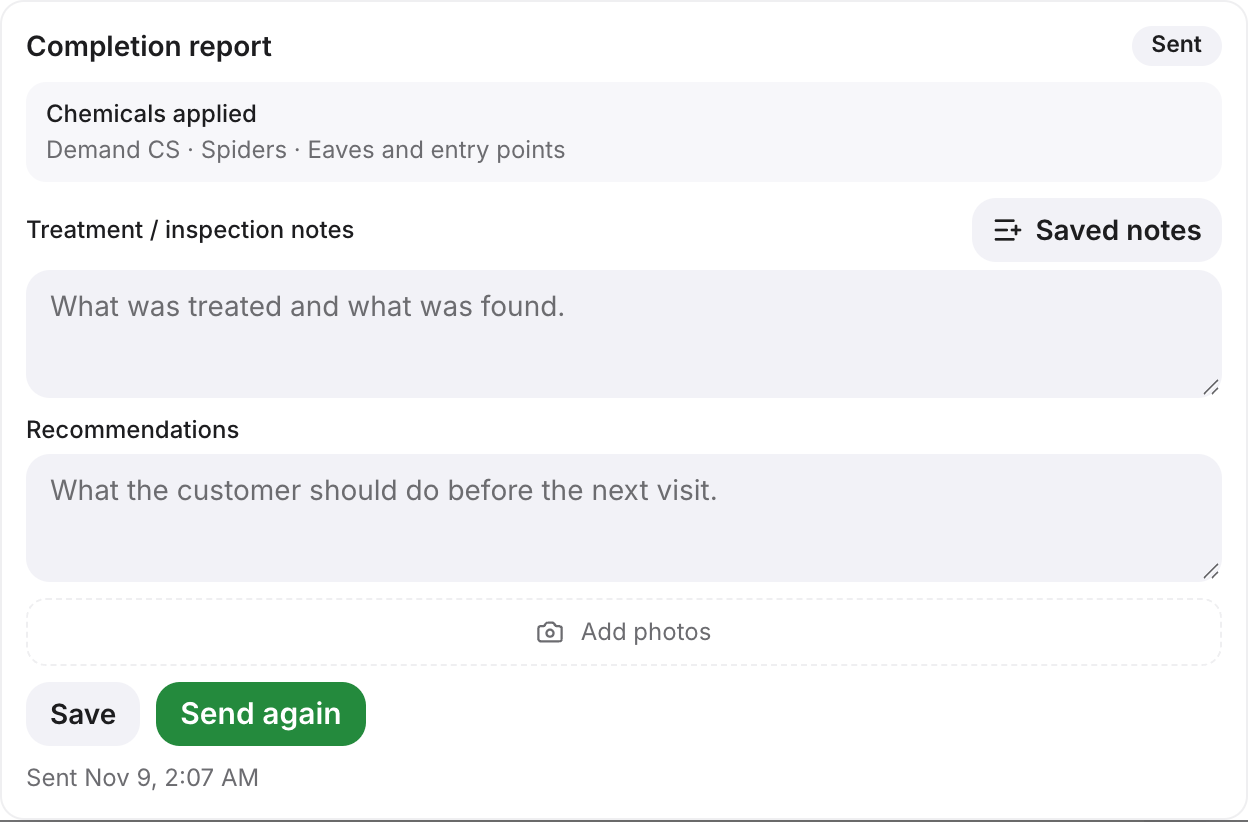 The completion report on a visit, sent to the customer after the job. (demo data)